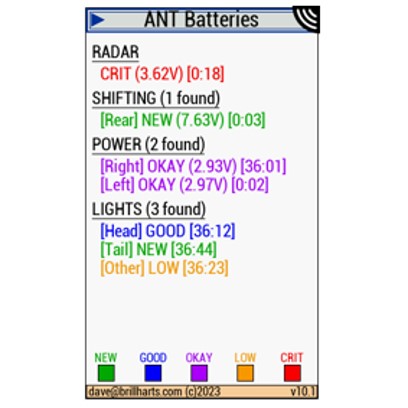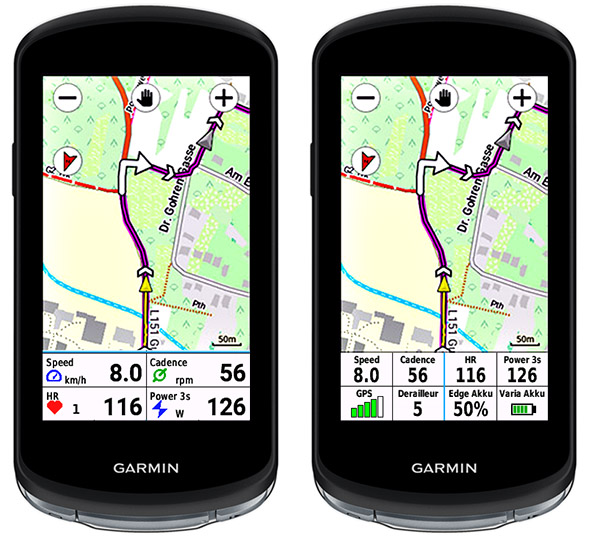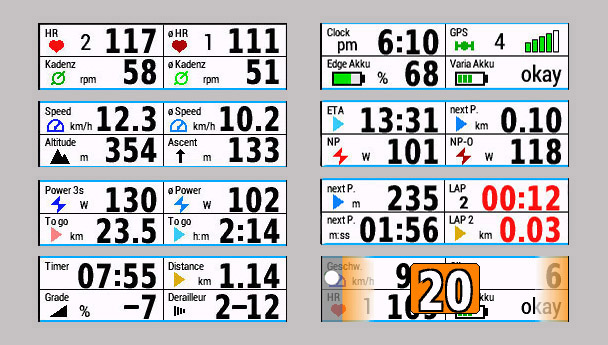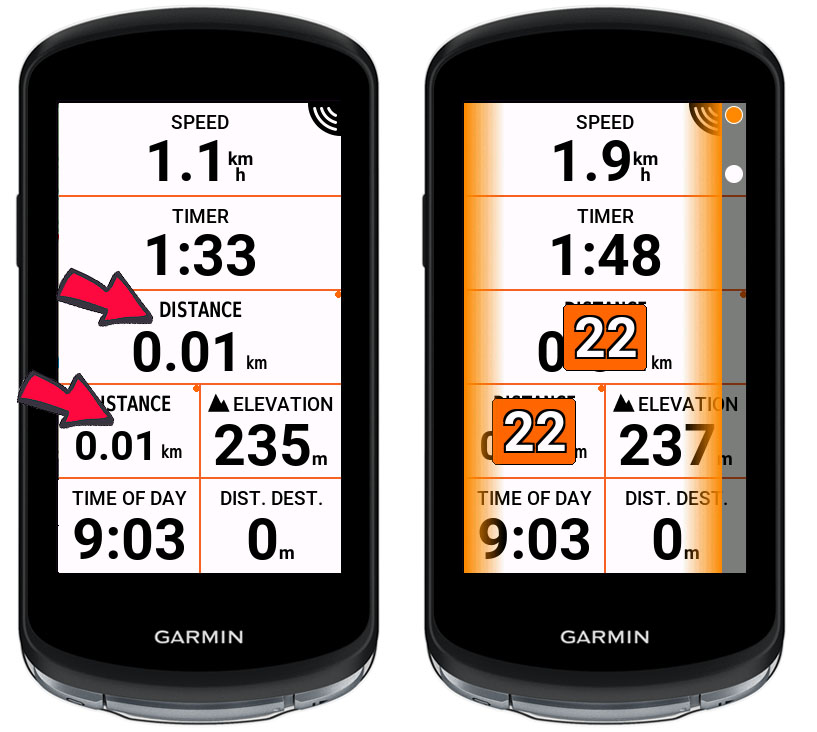
Allerhande tips voor je Garmin Edge

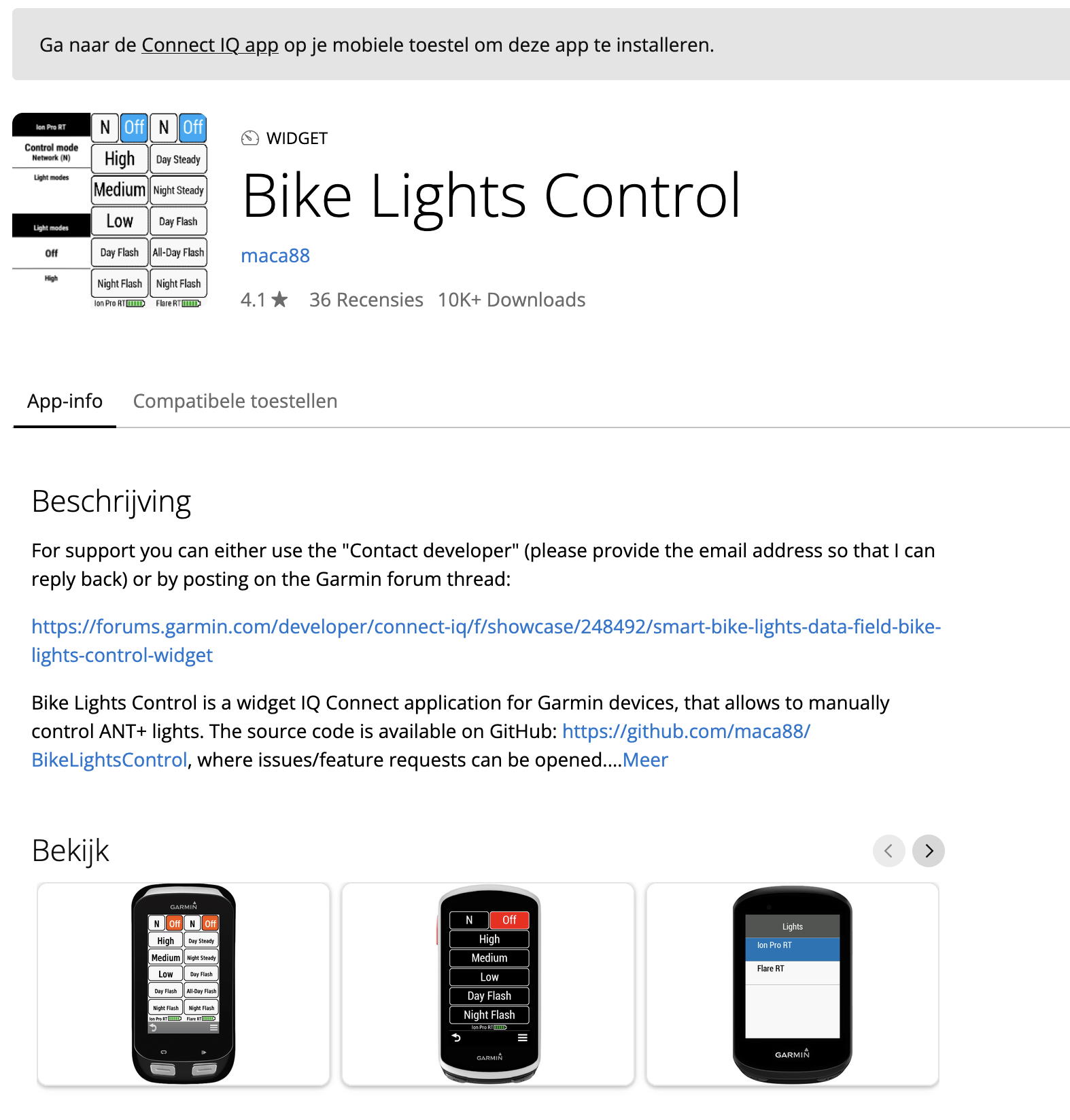
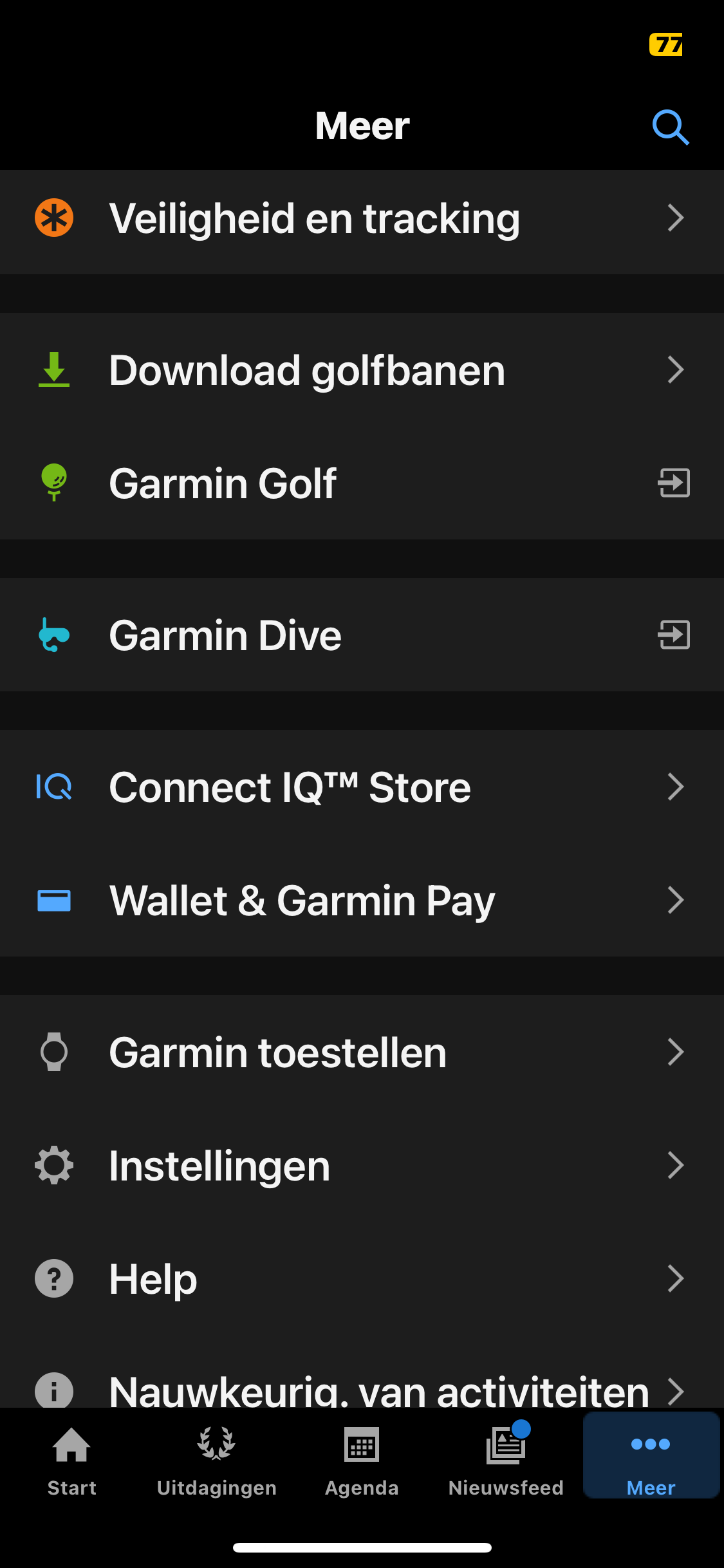
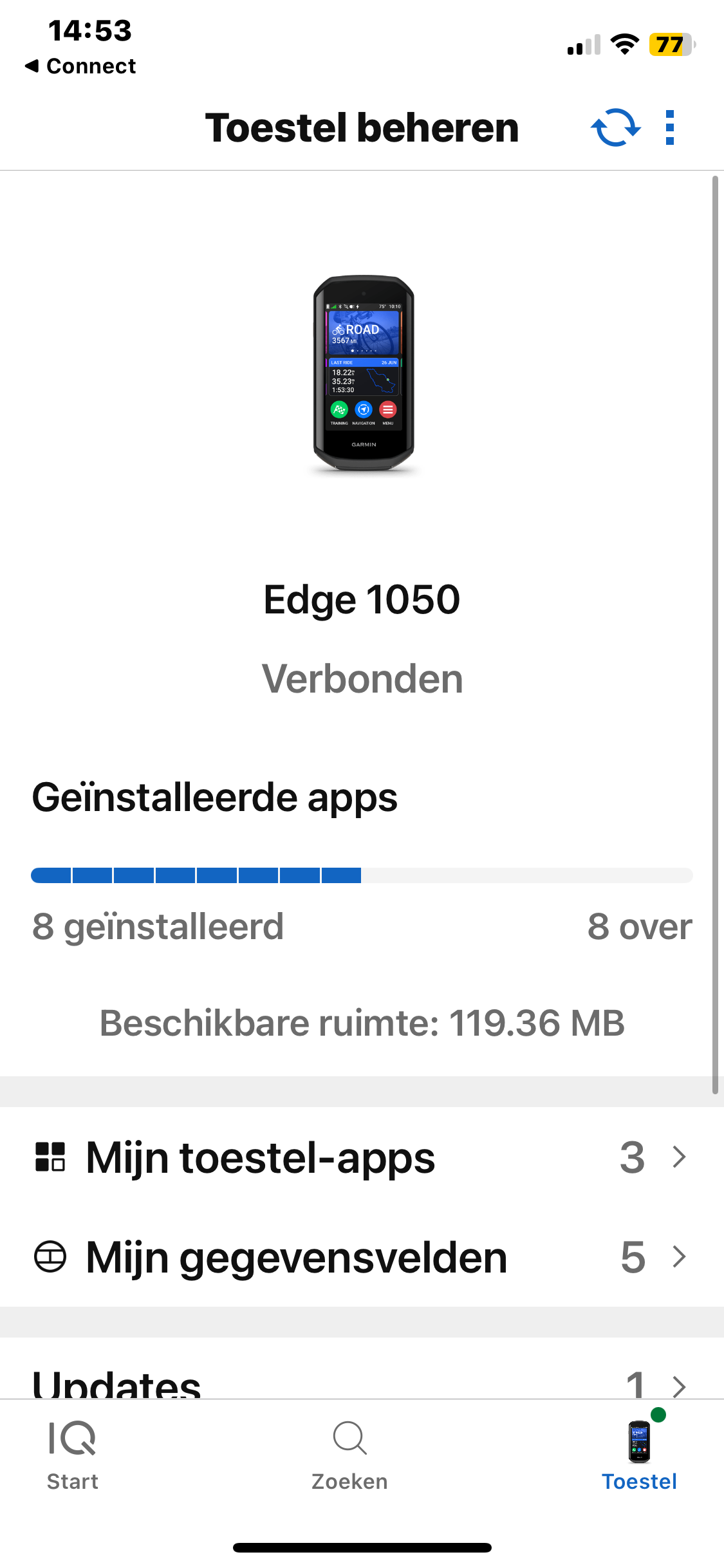
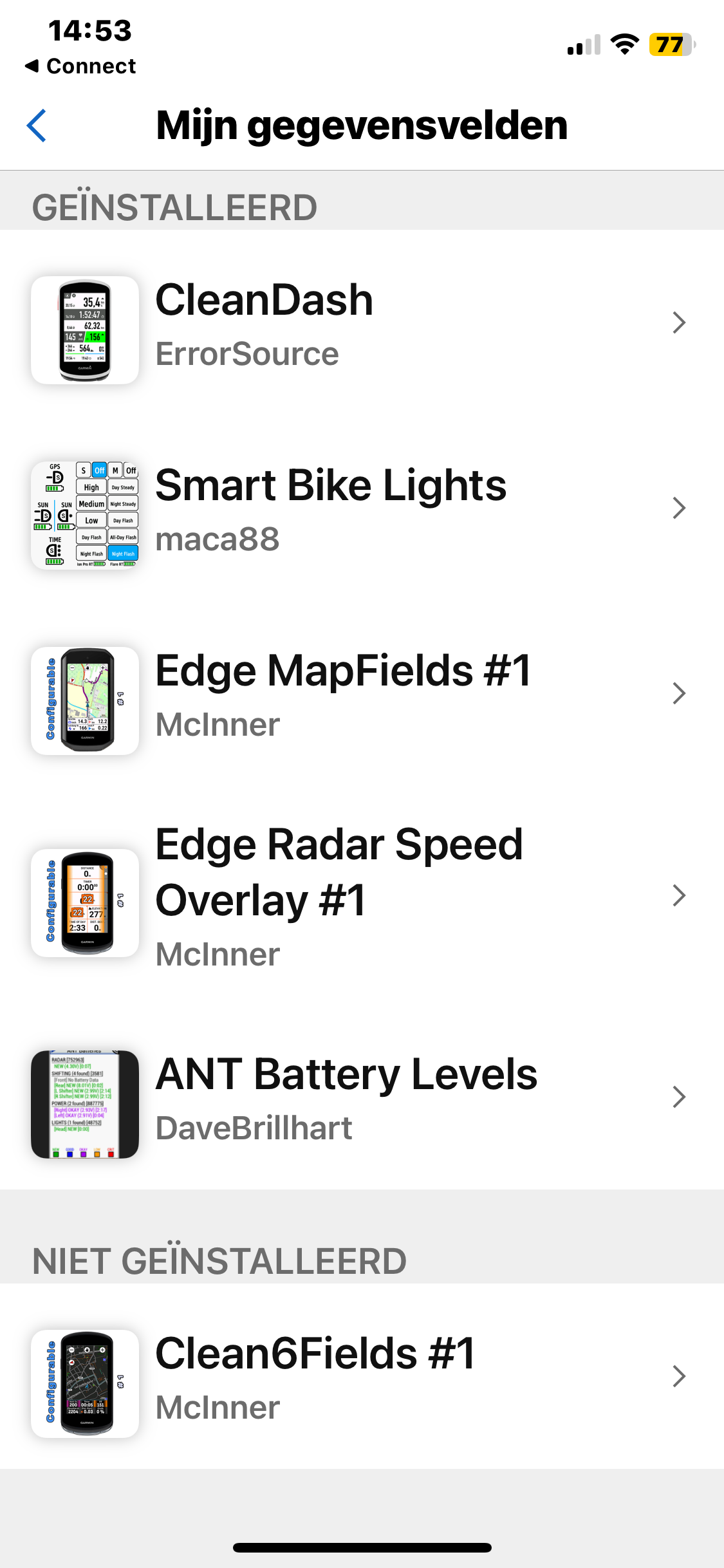
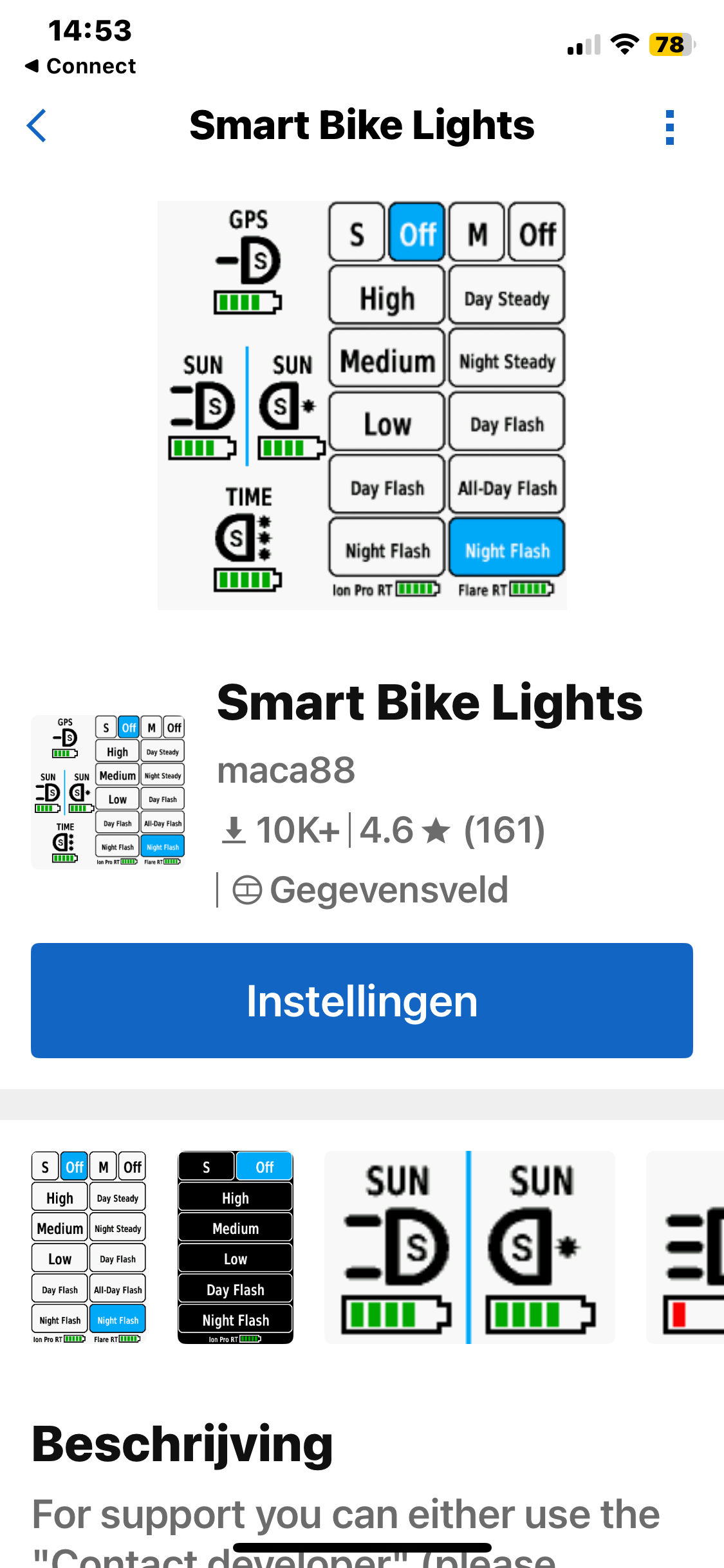
Als je een Garmin Edge hebt, en ook een Garmin Varia, dan is onderstaande app een must voor je. Je kan het achterlicht zo instellen, dat het licht pas aangaat zodra er een auto gededecteerd wordt. Op die manier gaat je batterij een pak langer mee. De app kan je installeren via de Garmin Connect app.


https://apps.garmin.com/nl-NL/apps/fa3c2332-76e3-4ba1-8528-32a0fd617ab1

Meer info op de Garmin forums : https://forums.garmin.com/developer/connect-iq/f/showcase/248492/smart-bike-lights-data-field-bike-lights-control-widget

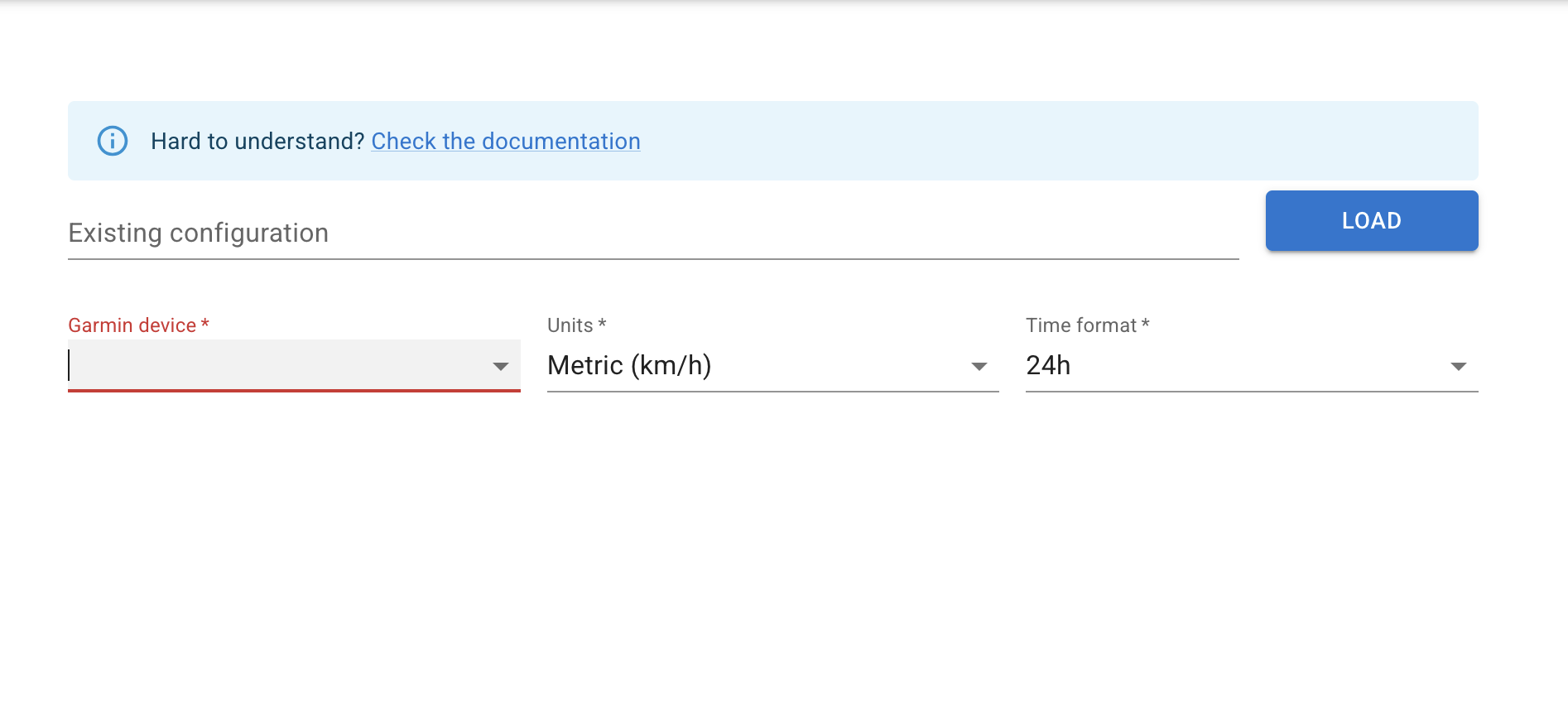
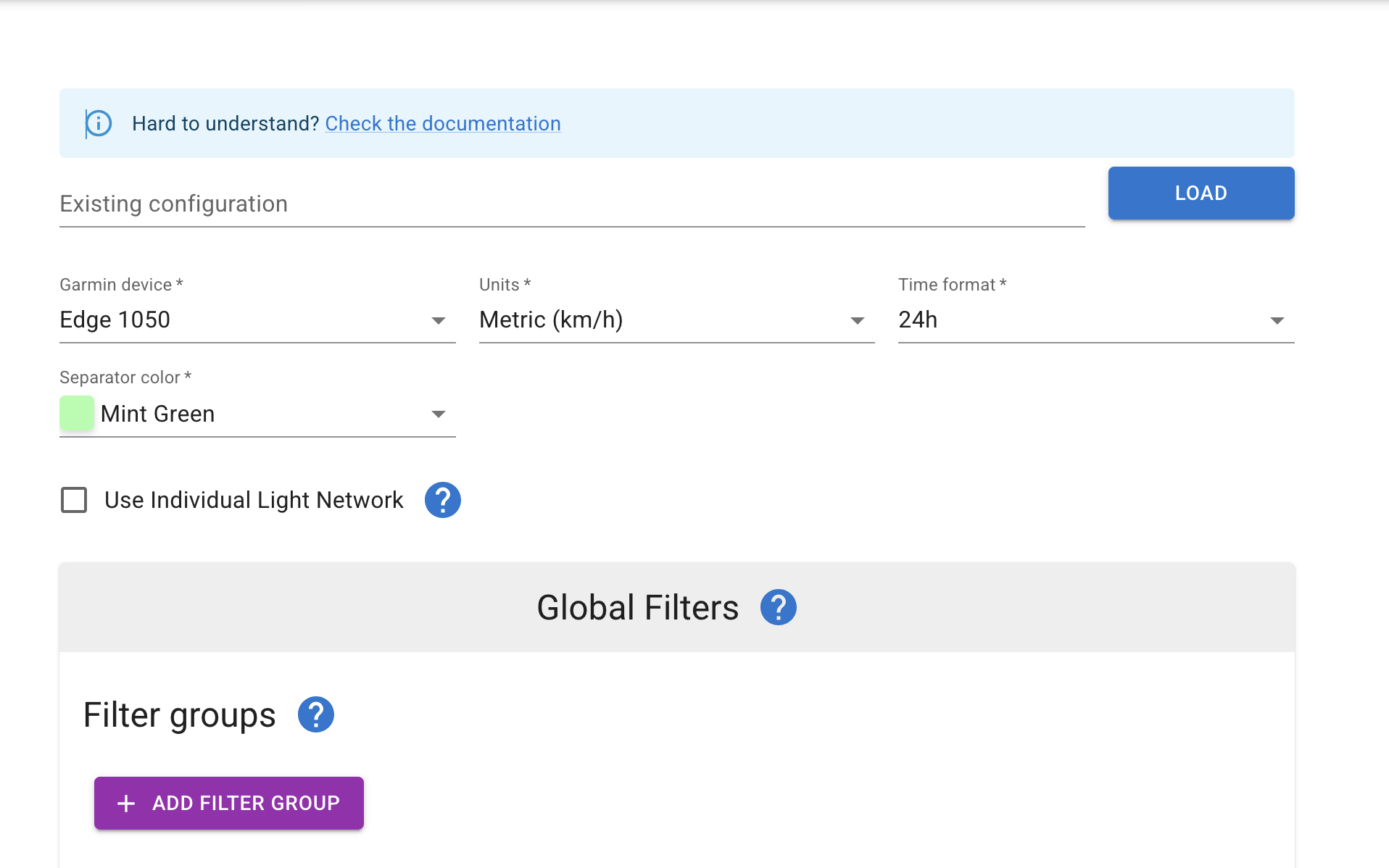
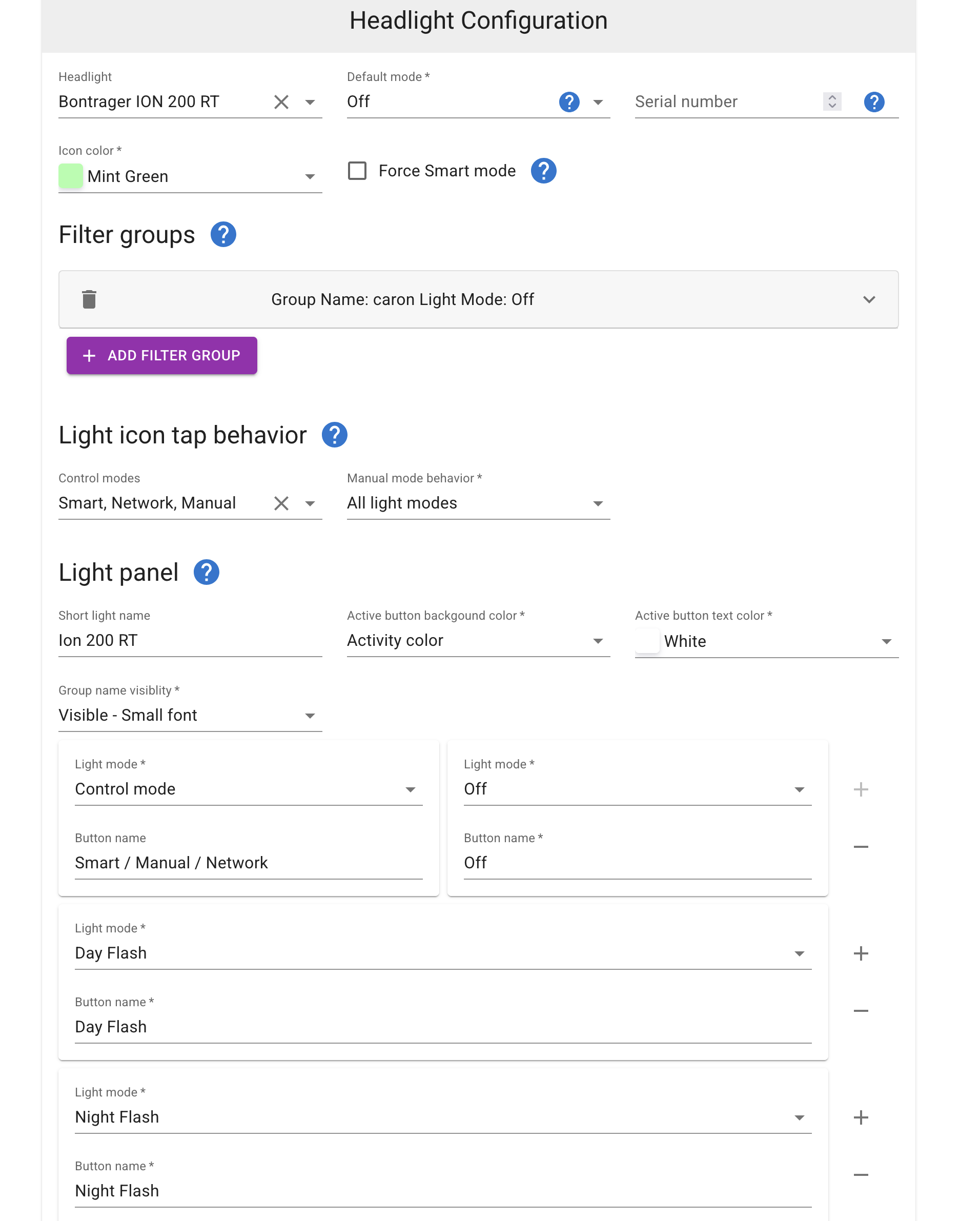
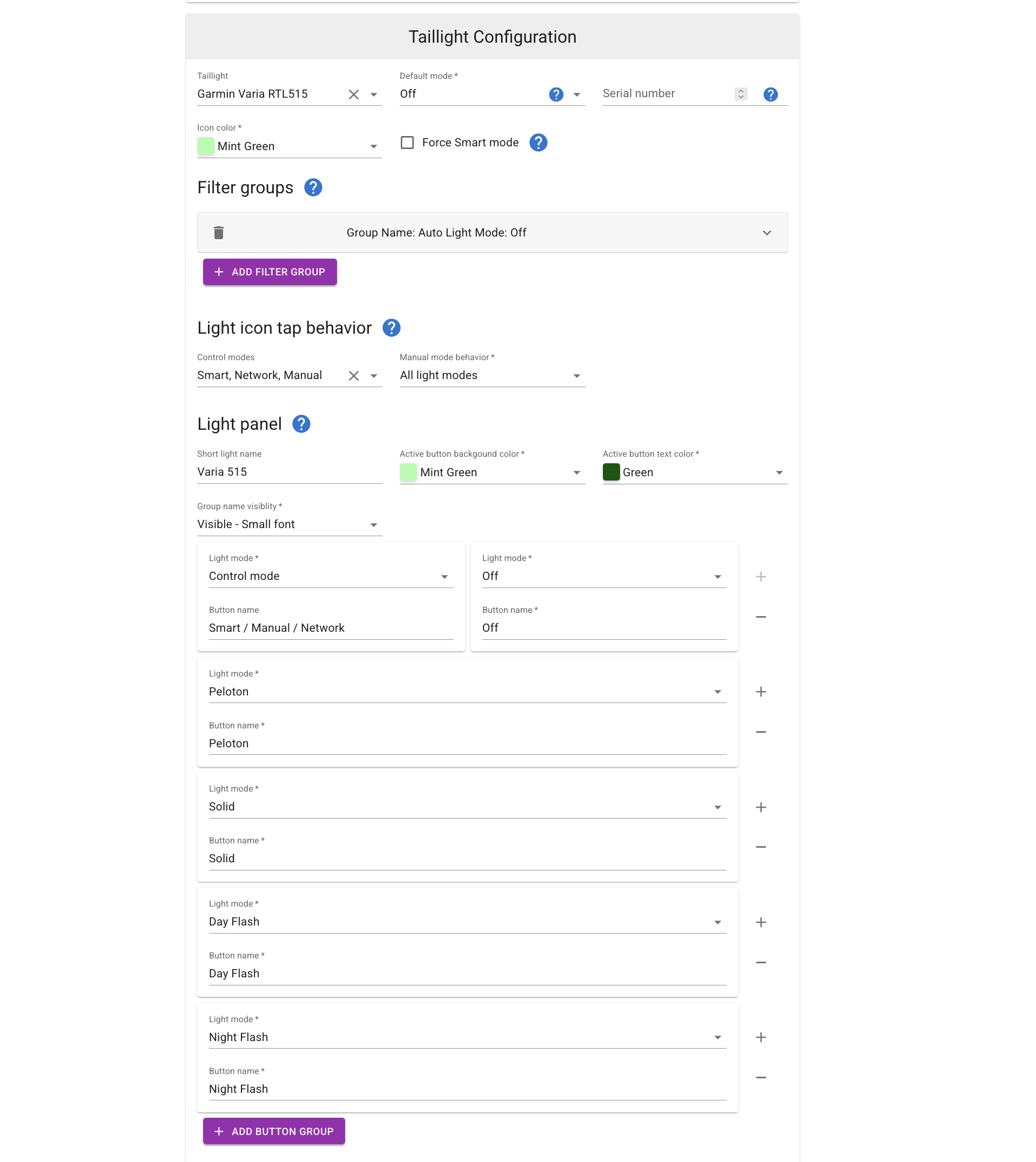
Je kan de app hier configureren : https://maca88.github.io/SmartBikeLights/

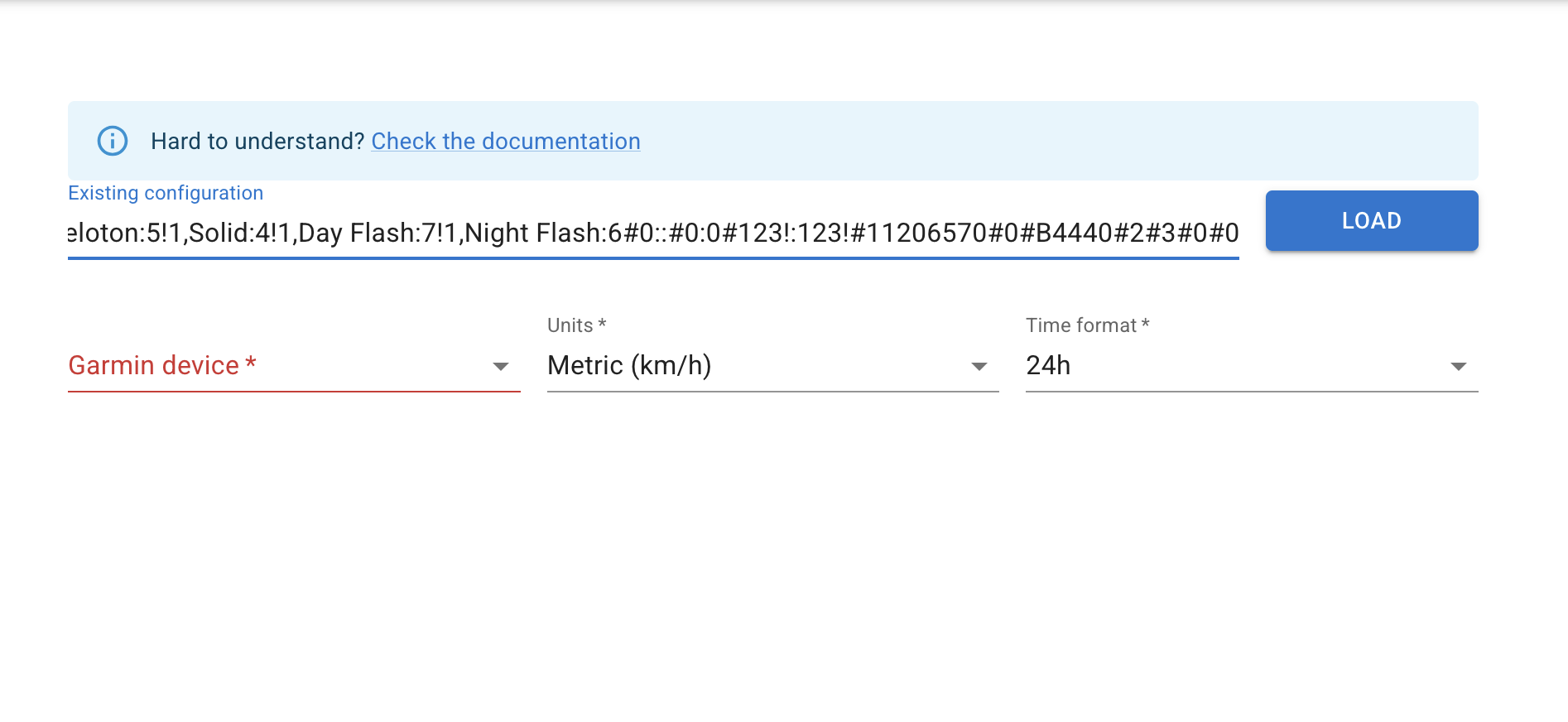
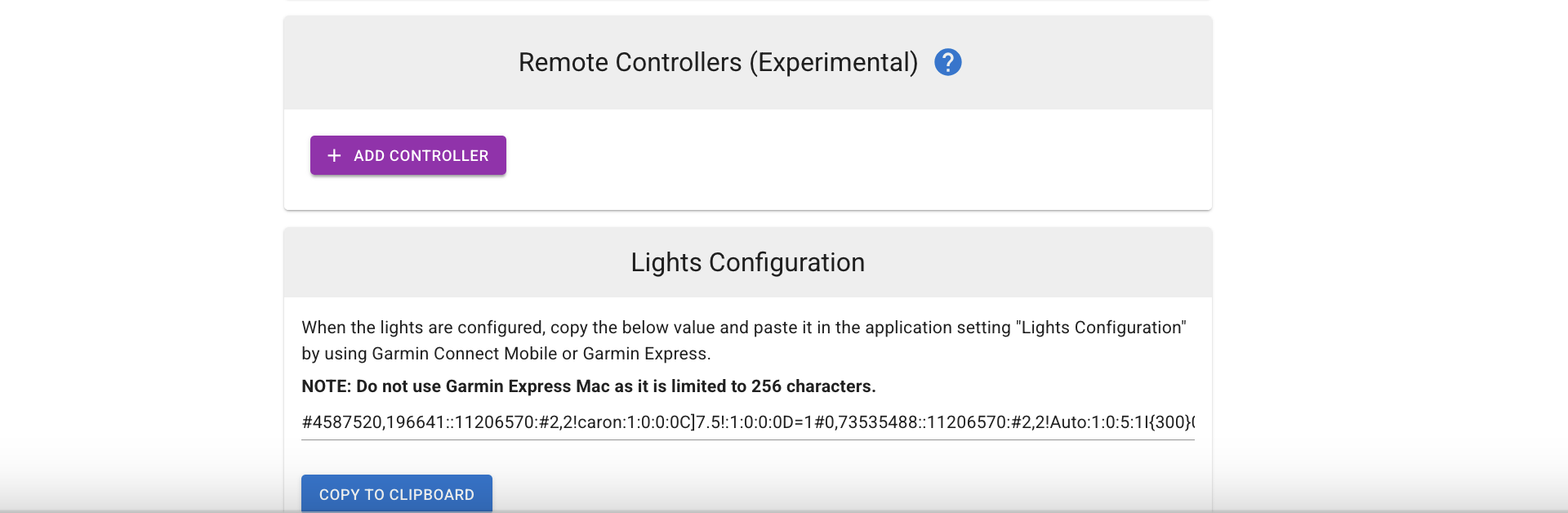
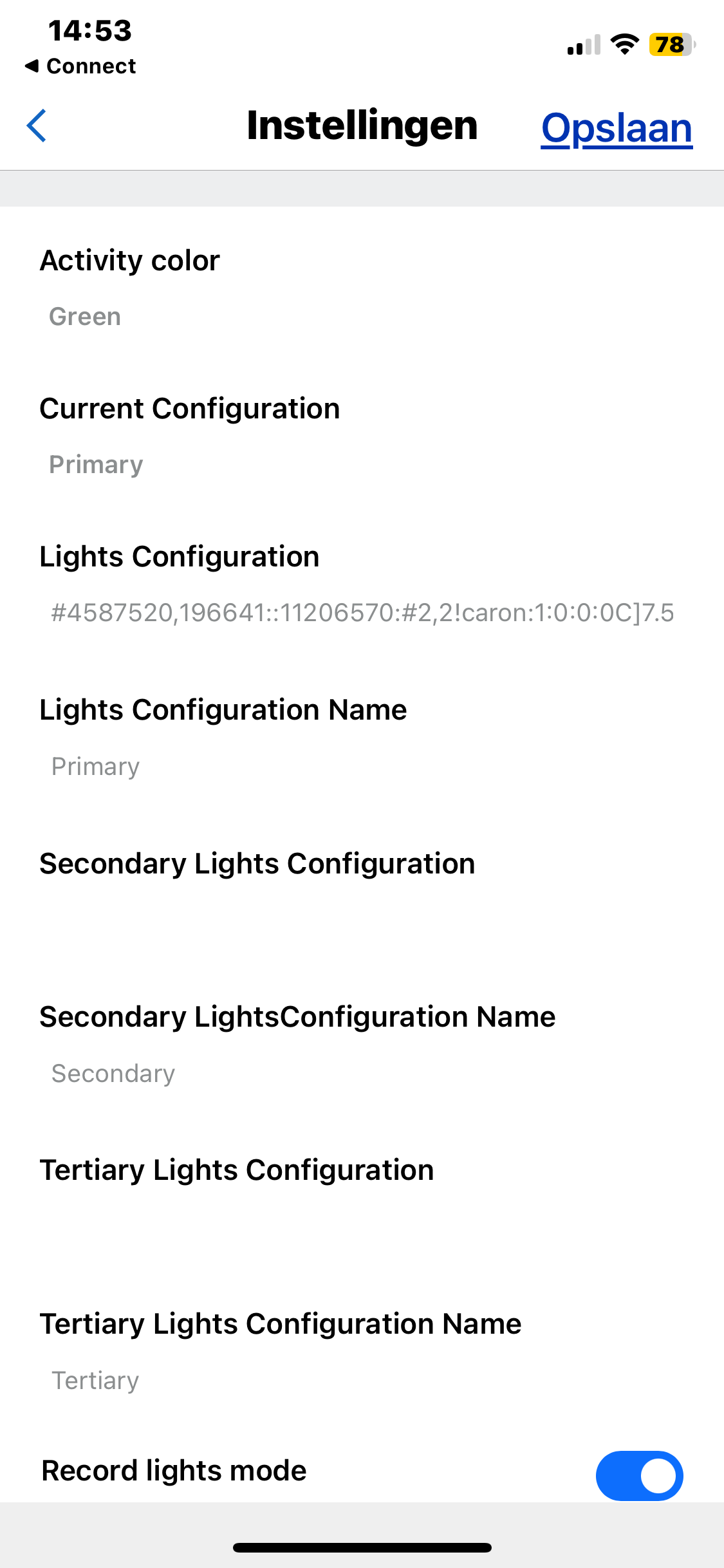
Opgepast : When the lights are configured, copy the below value and paste it in the application setting "Lights Configuration" by using Garmin Connect Mobile or Garmin Express.

NOTE: Do not use Garmin Express Mac as it is limited to 256 characters

De onderstaande gegevens kan je kopiรซren, en dan laden in de configuratie. Daar kan je nog toestellen aanpassen (bv Edge 1030+ ipv Edge 1050, of je ant+ licht vooraan aanpassen).

#4587520,196641::11206570:#2,2!caron:1:0:0:0C]7.5!:1:0:0:0D=1#0,73535488::11206570:#2,2!Auto:1:0:5:1I{300}0!:1:0:0:0D=1#4,3:Ion 200 RT:0:16777215:2!2,:-1,Off:0!1,Day Flash:63!1,Night Flash:62#6,5:Varia 515:11206570:21760:2!2,:-1,Off:0!1,Peloton:5!1,Solid:4!1,Day Flash:7!1,Night Flash:6#0::#0:0#123!:123!#11206570#0#B4440#2#3#0#0


logo for fleXon

This is the dropdown area. You can place anything you want here within this Flexbox. Thus your content stays on top and the copyright with the social icons stays on the bottom

Your Company - All Rights Reserved